I’ve always said that fiddling with your Pinterest boards is busy work. If I had to choose between spending a day sorting boards and spending it making new pins or posts, the answer was easy. New content beats busy work every time.
Tailwind AI changes that math. Now I can spend about an hour cleaning up ALL my boards. That clears space for new boards that fit my keywords and the content I’m making today. Tra la, tra la! 🎶
This post contains affiliate links. If you purchase anything, I earn a small commission at no extra charge to you. Check out my policies here.
Step One: Ask Your Tailwind-Connected Chat for a Board Review
First, your AI chat needs to be connected to Tailwind. If you haven’t done that yet, I walk you through it in How to Hook Chat to Tailwind (Claude, ChatGPT, or Gemini). Tailwind also has its own overview of what their AI assistants can do, which is worth a look.
Once you’re connected, tell your chat you want to review your boards. Here’s exactly what I typed, and it gave me a really helpful overview of what to tackle first:
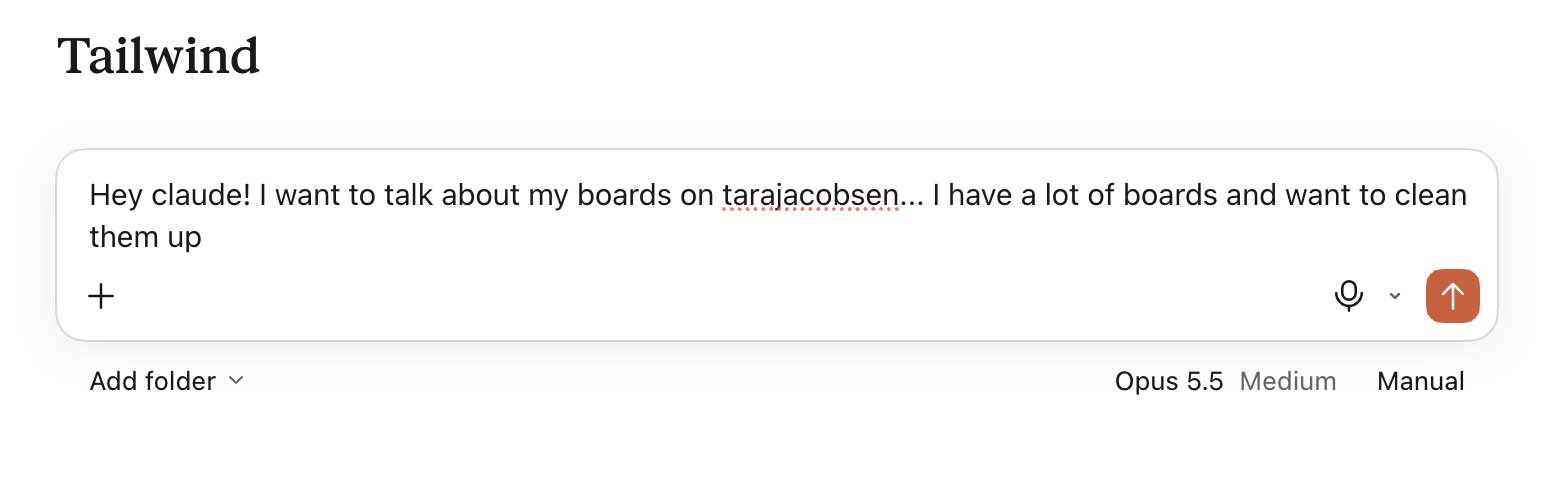
That’s it. No fancy prompt needed.
Low-Hanging Fruit: Leaving Boards I Don’t Own
It turned out I was a contributor on 28 boards I didn’t own. Some of that goes back to 2018, when I started Artsy Fartsy Life (my B2C site) without its own Pinterest account.

Here’s how I thought about it:
- Some of these boards have 500+ pins and haven’t had a new pin in years. Leaving those was a no-brainer.
- I’m fully convinced that new boards perform better than tired old ones.
- Many of my archived boards were either my own boards from 2013 or other people’s boards that had been archived without me even knowing!
I’m not anti-board. I’m just pro “let’s have boards that make sense for my business NOW.”

💡 Quick Tip: You can tell who owns a board from the profile icons below it. The first icon is the owner.
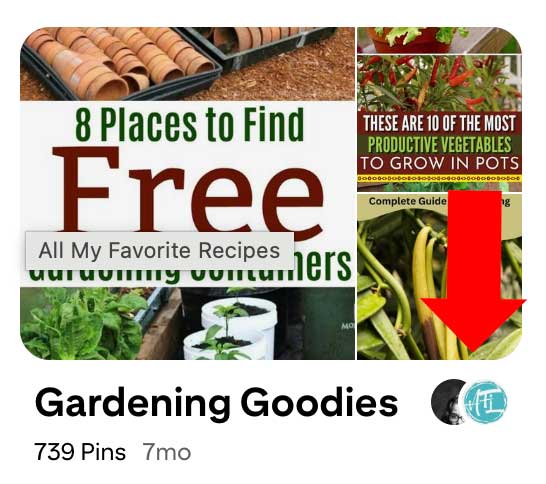
💡 Quick Tip: Right-click each board you want to leave and choose “Open in new tab.” That way you aren’t clicking back and forth all day.
Easy Peasy: Deleting Boards I’m No Longer Interested In
I’ve had this Pinterest account since Pinterest started, and my interests have come and gone over the years. Those personal boards weren’t business boards, so I didn’t have to worry that deleting them would tank my traffic.
Years ago, the advice was to archive boards instead of deleting them. So I had A BUNCH of archived boards that had nothing to do with my business anymore. Buh-bye! 👋
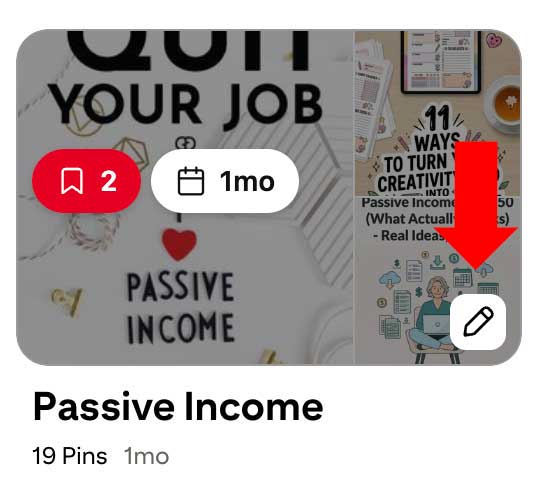
💡 Quick Tip: Click on the pencil icon on the boards page to find the "delete board" button.
Next Up: Boards With Only 1–3 Pins
We’ll get to merging soon, but first let’s clean up the boards with fewer than three pins. Seriously, this part is super easy. Just move those pins to a board where they actually belong:
- Open the small board.
- Click Organize (or the three-dot menu, then select pins).
- Select the pins.
- Click Move and choose the board they should live on.
Once a board is empty, delete it. Done!
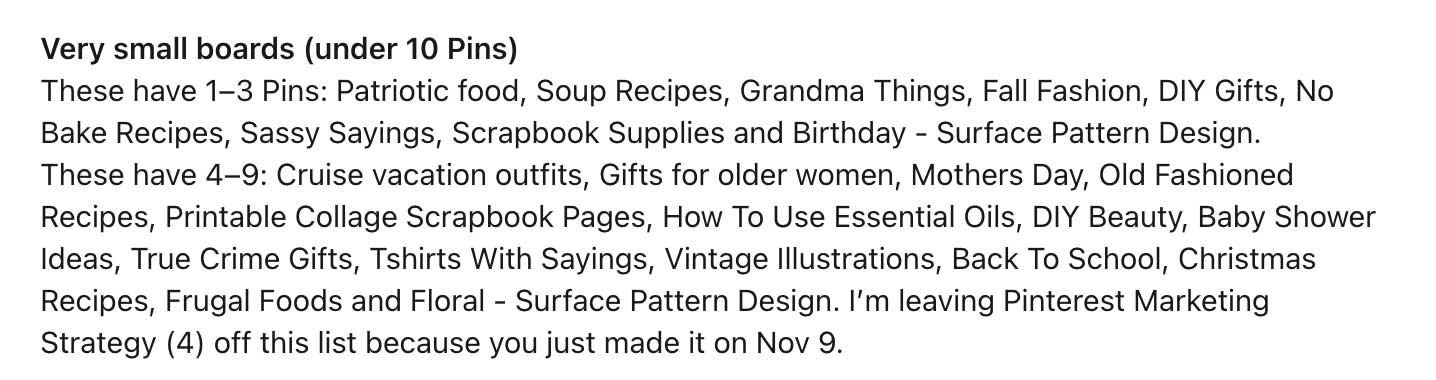
These are boards because I had a bright idea 5 years ago, pinned a few things and then promptly forgot about them!
Boards With None of My Own Pins on Them
As a creator, I do have some boards with none of my pins on them, and that’s fine. But my marketing boards SHOULD have my pins on them.
How does this even happen? I create a board, “seed” it with 5–10 pins, and then forget to pin anything to it ever again. 🙈 Ask your Tailwind AI to flag these for you.
Merging PINTEREST Boards (the Slow, Safe Way)
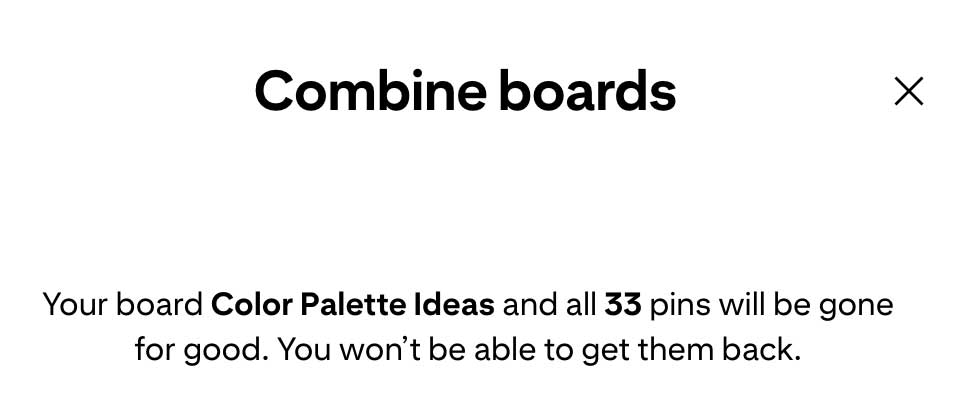
When I tried to merge boards with Pinterest’s merge feature, I got a pretty aggressive warning message. So I did my merges the old-fashioned way: open the board, click Select all, then Move. I’m only doing this cleanup once, so taking the slower, safer route made sense to me.
How I chose which board to keep:
- The high-level board with the keyword I want to keep using going forward, OR
- The board Tailwind AI said had the most activity.
Most of my boards were old, so only a few needed that kind of review. Again, I believe brand-new boards do best for keywords and annotations. So I’m putting my energy into creating new boards rather than trying to revive old dead ones. (I share exactly how I set those up in How to Create Pinterest Boards That Grow Your Account Fast With AI and Tailwind.)
⚠️ One thing I noticed: On some huge old boards, “Select all” just wouldn’t work. I think there are simply too many pins to move at once. I left those boards where they were, because I am NOT clicking a million pins one by one!
Wrapping Up Your Pinterest Board Cleanup
Cleaning up your Pinterest boards used to be busy work I happily skipped. With Tailwind AI, it’s a quick, focused hour that clears out the clutter and makes room for keyword-rich boards that fit your business today!